A Wallet key allows you to store your digital room key so you can unlock doors using your phone or a compatible smartwatch.
If your device is compatible with Wallet keys, you will see an Add to Wallet button at the end of your online check-in.
Don’t worry, you can always check in at the front desk when you arrive at the hotel. If needed, you can also ask for assistance.
Yes, you can use both.
If you book multiple rooms on the same date, the Wallet key only activates for the room you are assigned to. If you book a room on multiple dates, a different Wallet key activates for each stay. Each key is only active for your current stay after you complete your online check-in.

If your Android phone is misplaced or lost, you should use the Find My Device app to remotely delete/wipe a lost device. Learn more in the help article Find, secure, or erase a lost Android device – Google Account Help.”
Toll free: 1 866 734-2110
Phone: 450 534-0604
info@balnea.ca
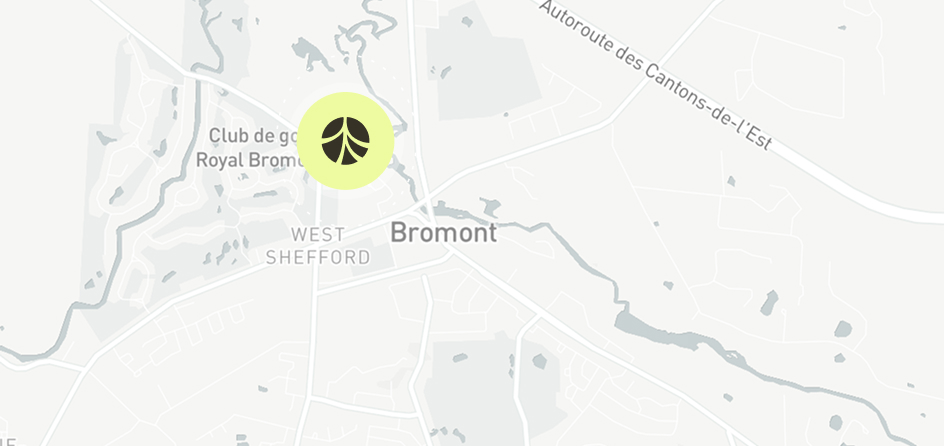
319, chemin du Lac-Gale,
Bromont (Québec) J2L 2S5


Newsletter
Discover, Explore, Breathe
SubscribeFollow us